
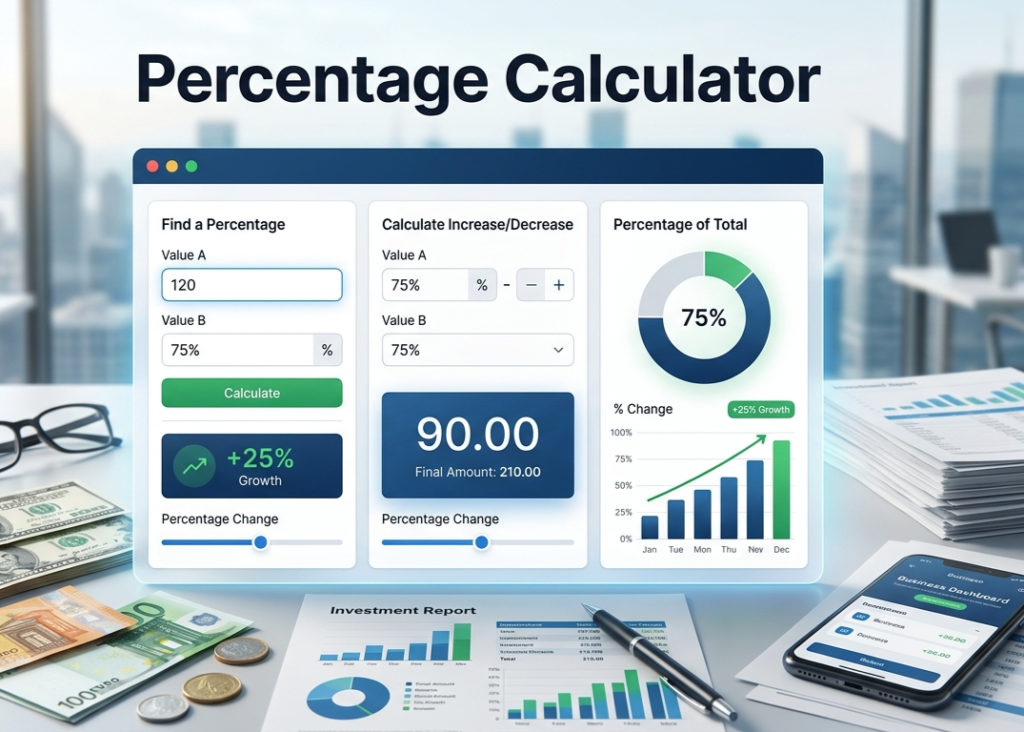
Percentage Calculator
Quickly calculate percentages, increases, and decreases.
Introduction
This Percentage Calculator is a fast and reliable tool to compute the percentage of a number, percentage increase, or decrease. Whether you're budgeting, calculating discounts, or analyzing data, get instant results with just a few clicks.
How to Use This Calculator
- Enter the Value (the base number).
- Enter the Percentage (e.g., 20 for 20%).
- Click Calculate to see the result.
- Use the Reset button to clear all fields.
- For percentage increase, use a positive percentage; for decrease, use a negative percentage.
How the Calculation Works
The calculator uses the simple formula: Result = (Value × Percentage) / 100.
For example, to find 20% of 150: (150 × 20) / 100 = 30. If you enter a negative percentage, it calculates a decrease.
This method follows international mathematical standards and ensures 100% accuracy.
Frequently Asked Questions
What is a percentage calculator used for?
How do you calculate a percentage of a number?
Can I use negative percentages for decreases?
Is the Percentage Calculator free to use?
What if I enter a negative value?
Can I use decimals in the inputs?
How to Use Percentage Calculator
A Percentage Calculator helps you quickly calculate percentages, percentage increases, decreases, and percentage differences. Follow these simple steps:
1. Enter the Required Values
Input the numbers you want to calculate. Depending on the calculation type, you may need:
- A percentage value (e.g., 20%)
- A total number (e.g., 500)
- An original and new value for percentage change
2. Select the Calculation Type
Choose the calculation you need, such as:
- What is X% of Y?
- X is what percent of Y?
- Percentage Increase
- Percentage Decrease
- Percentage Difference
3. Click Calculate
Press the Calculate button to instantly see the result.
4. Review the Result
The calculator will display the answer along with the formula used for the calculation.
Examples
Example 1: Find 20% of 500
- Enter: 20 and 500
- Result: 100
Example 2: Percentage Increase
- Original Value: 200
- New Value: 250
- Result: 25% increase
Example 3: Percentage Decrease
- Original Value: 100
- New Value: 80
- Result: 20% decrease
Use the Percentage Calculator to save time and get accurate results for discounts, taxes, grades, financial calculations, and everyday percentage problems.