
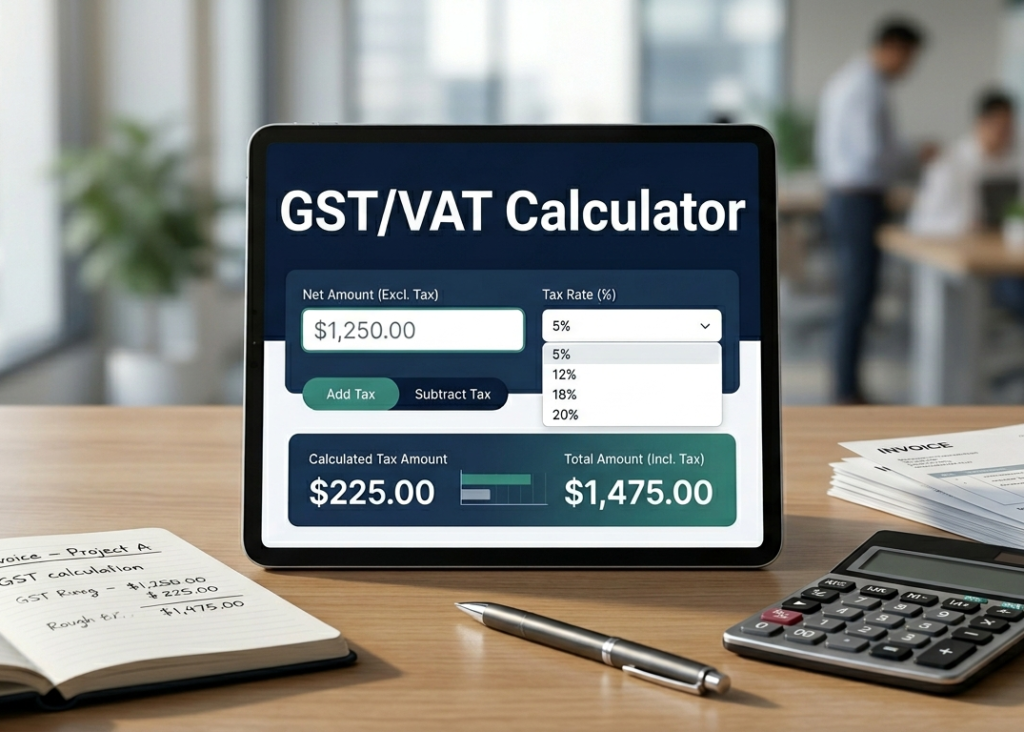
GST / VAT Calculator
Gutenberg Compatible • Full Width Ready • International Tax Formula Accuracy
Introduction
GST/VAT calculator helps you calculate international tax accurately using standard global formulas for inclusive and exclusive pricing.
How It Works
Net → Gross: Net × (1 + Rate/100)
Gross → Net: Gross × 100 / (100 + Rate)
Mastering Your Taxes: How to Use a GST/VAT Calculator
Navigating business finances, invoicing, and retail pricing can quickly become overwhelming when you have to account for consumption taxes. Whether you are dealing with Goods and Services Tax (GST) or Value Added Tax (VAT), manual calculations invite human error.
A modern GST/VAT calculator eliminates the guesswork, ensuring your financial data remains flawless. Here is a comprehensive guide on how to use this tool effectively to streamline your accounting.
What is a GST/VAT Calculator?
A GST/VAT calculator is a digital financial tool designed to compute the tax amount, net price (price excluding tax), and gross price (price including tax) of a product or service.
Depending on your business needs, the calculator can perform two essential types of operations:
- Adding Tax (Inclusion): Calculating the total price after adding the tax percentage to the base amount.
- Removing Tax (Exclusion): Extracting the tax amount from a total price to find the original item cost.
Step-by-Step Guide: How to Use the Calculator
Using the online interface is incredibly straightforward. Follow these four simple steps to get instant, accurate results:
1. Enter the Initial Amount
Locate the input field labeled Taxable Amount or Base Price. Enter the monetary value of the goods or services you are pricing.
2. Input the Tax Rate (%)
Different regions and product categories have varying tax percentages. Type the specific percentage rate required for your calculation (e.g., 5%, 12%, 18%, or 20%) into the Tax Rate field.
3. Select the Calculation Type
Choose whether you want to add or remove the tax:
- Click Add GST/VAT if you have a net price and want to find the total invoice amount.
- Click Remove GST/VAT if you have the total price and need to isolate the tax portion for your accounting ledgers.
4. Review Your Results
The tool will instantaneously generate a detailed financial breakdown, usually displaying:
- Net Amount: The clean cost before taxes.
- Tax Amount: The exact monetary value of the GST/VAT.
- Gross Amount: The final total price.
Key Benefits of Using a Digital Tax Calculator
Accuracy is paramount in business. A minor decimal error in your tax filings can result in compliance issues or lost revenue.
Integrating a GST/VAT calculator into your daily workflow offers several distinct advantages:
- Saves Time: Avoid scrambling for formulas or spreadsheets during fast-paced client checkouts or invoicing sessions.
- Global Flexibility: Because you can manually adjust the percentage field, the tool works seamlessly whether you are filing VAT in Europe or accounting for GST in Australia, Canada, or India.
- Bridges Communication: It provides transparent pricing data that you can easily copy and paste directly into client estimates, receipts, or financial reports.
Summary
Taxes don’t have to be taxing. By using a dedicated GST/VAT calculator, you take the complexity out of everyday business math. Bookmark the tool today to keep your invoicing swift, your pricing transparent, and your financial books perfectly balanced.