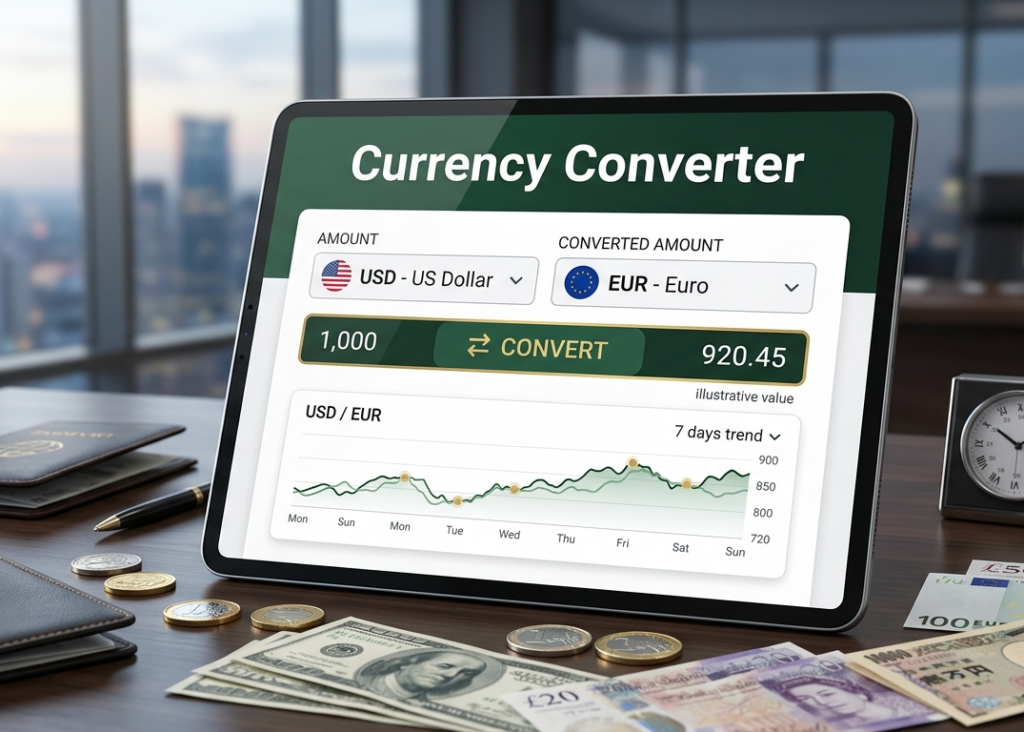
Currency Converter
Live Currency Converter
Introduction
This calculator converts currencies using free live exchange-rate data.
How to Use
- Enter amount.
- Select currencies.
- Click Convert.
FAQ
Is it live? Yes, it requests the latest available rates from a free CDN API.
How to Use Currency Converter Online: Step-by-Step Guide
A Currency Converter Online helps you quickly calculate the value of one currency in another using current exchange rates. Follow these simple steps to convert currencies accurately.
Step 1: Open the Currency Converter
Visit the online currency converter tool on your website or preferred platform.
Step 2: Select the Base Currency
Choose the currency you want to convert from in the From field. For example, select USD (US Dollar).
Step 3: Enter the Amount
Type the amount you want to convert. For example, enter 100 if you want to convert 100 US Dollars.
Step 4: Choose the Target Currency
Select the currency you want to convert to in the To field. For example, choose EUR (Euro).
Step 5: View the Conversion Result
The Currency Converter will automatically calculate and display the converted amount based on the latest exchange rate.
Step 6: Check Exchange Rate Details
Review the current exchange rate shown by the tool to understand how the conversion was calculated.
Step 7: Swap Currencies (Optional)
Use the swap button to reverse the currencies and instantly see the conversion in the opposite direction.
Step 8: Convert Additional Amounts
Enter a different amount or select other currencies to perform more conversions as needed.
Benefits of Using a Currency Converter Online
- Fast and accurate currency conversions
- Access to up-to-date exchange rates
- Easy comparison between multiple currencies
- Helpful for travel, business, and international transactions
Using a Currency Converter Online is the easiest way to get reliable exchange rate information and convert currencies in just a few clicks.